Your music files.
Fixed.



Customize your MP3s right in your browser: tags, cover art, lyrics and track order, ready to import into Spotify or Apple Music.
Example: three badly named files become clean, numbered tracks with artwork.
- 01Night SwimHalden Park, Low Tide
- 02Salt LineExplicitHalden Park, Low Tide
- 03Paper BoatsHalden Park, Low Tide
Drop your music herePick songs from your device
- MP3
- Full editing: tags, artwork and lyrics, written without re-encoding.
- M4A, FLAC, WAV, OGG, Opus
- View, organize and rename.
Fix it here. See it in your music app.
The cover, names, track order and lyrics are saved inside each file, so they show up after you import the album. Pick an app to see how it looks there.

Playlist
Low Tide
Halden Park • 2024 • 12 songs, 44 min
and 2 more songs

Night Swim
Halden Park
An approximation, for checking your tags before you export. VaultedAudio isn't affiliated with Spotify or Apple, and the real apps can look different by version and device. You add the music yourself using each app's own import or local-files feature. The same preview is in the editor, showing your own album.
It finds the mess. You approve the fix.
Every album gets a health scan the moment it loads. Watch it clean up this sample; nothing here is a real upload.
Sample album
Low Tide
Halden Park, 12 tracks
Album health
Needs cleanup76%
- 8 tracks missing artwork
- 11 track numbers missing
- 3 artist names inconsistent
- 4 files have junk filenames
- 01Night SwimHalden Park01 Night Swim.mp3
- Salt Linehalden parksalt_line_FINAL_v2.mp3
- Paper BoatsHalden ParkPaper Boats.mp3
- Glass HarborHalden Parkyt5s.io-glass_harbor_320kbps.mp3
- UndertowExplicitHALDEN PARKUndertow.mp3
- LanternsHalden ParkLanterns.mp3
- Slow FerryHalden ParkSlow Ferry [320kbps].mp3
- BreakwaterExplicitHalden Parkbreakwater_FINAL_v3 (Official Audio).mp3
- Kelp GardenHalden ParkKelp Garden.mp3
- Small HoursExplicitHalden parkSmall Hours.mp3
- Moon JellyHalden ParkMoon Jelly.mp3
- Low TideHalden ParkLow Tide.mp3
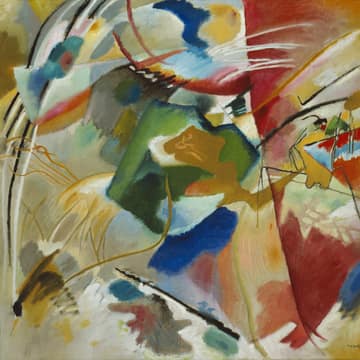
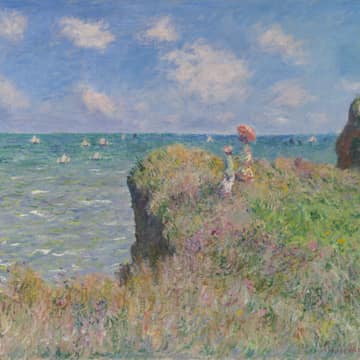
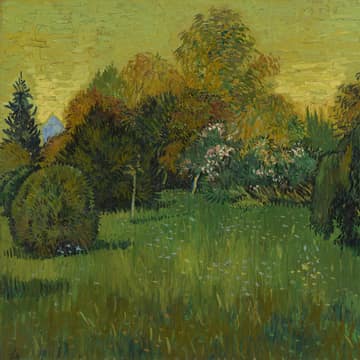
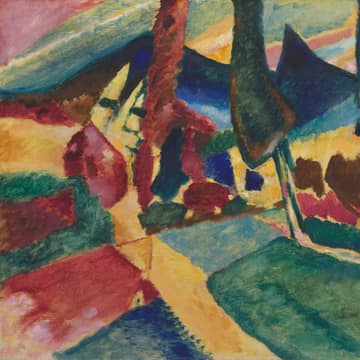
No cover? Take one of ours.
63 ready-made covers are built in: abstract designs, gradients, plain colors, public-domain paintings and nature photography. Free to use on anything.
Add a cover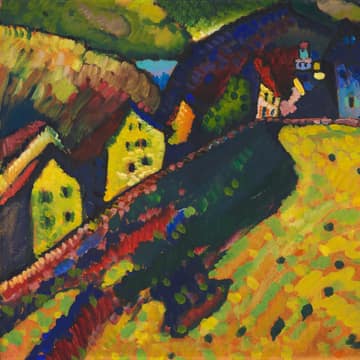
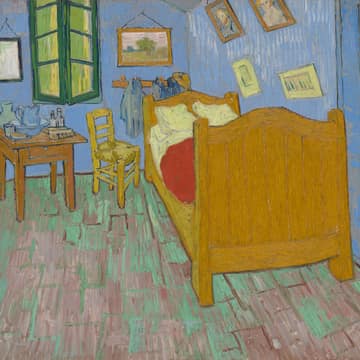
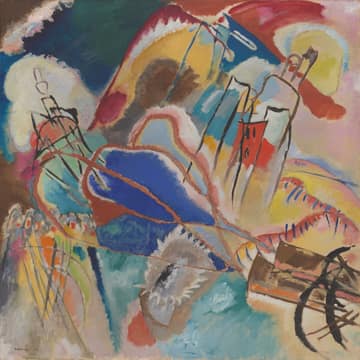
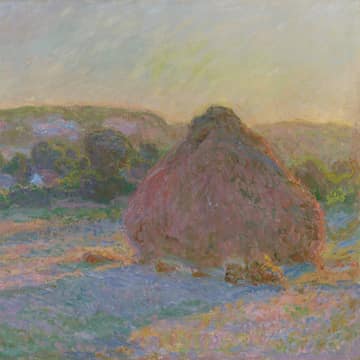











One editor, several ways in.
Each tool opens the same editor, pointed at the job you came to do.
Organize
- MP3 Tag EditorTitles, artists, albums, years, genres and track numbers.
- Add Cover ArtEmbed album artwork in one song or a whole album.
- Remove Cover ArtStrip embedded artwork to fix or shrink files.
- Extract Album ArtSave the cover embedded in a song as an image.
- Lyrics EditorAdd, edit or remove the lyrics inside an MP3.
- Filename CleanerRename files from their tags, with a preview.
- Album BuilderOrder, number and package loose tracks as an album.
Analyze
- Audio Metadata ViewerSee a file's tags, bitrate, sample rate and duration.
- BPM FinderPlanned
- Key FinderPlanned
Convert
- WAV to MP3Planned
- MP3 to WAVPlanned
- FLAC to MP3Planned
Edit
- Audio TrimmerPlanned
- Volume BoosterPlanned
- Fade ToolPlanned
Nothing leaves your device.
Read the privacy detailsYour device
Files you pick
VaultedAudio
In your browser tab
Your device
Clean files saved
Common questions
Does VaultedAudio upload my music?
No. Your files are opened and edited by your own browser, on your own device. There is no upload step, and no server ever receives your audio, artwork, lyrics or filenames.
What audio formats are supported?
MP3 has full editing: tags, artwork and lyrics are written into the exported files. M4A, FLAC, WAV, OGG and Opus files can be opened, inspected, organized into albums and renamed on export, but writing tags to those formats isn't supported yet. The editor labels every file so you always know which is which.
Can I edit album artwork?
Yes. Add, replace or remove the cover on one track or a whole album, crop it to a square, resize it, and download the artwork that is already embedded in a file. If you don't have a cover, the built-in cover library has abstract designs, plain colors, public-domain paintings and nature photos you can use freely.
Can I edit multiple songs at once?
Yes. Select any number of tracks and change album, album artist, year, genre, artwork and other shared fields together. Fields that differ between tracks show as Mixed, and a bulk edit never overwrites individual song titles.
Can I use the exported files with Spotify local files?
Yes. VaultedAudio prepares clean, correctly tagged files, and you add them to Spotify yourself with its Local Files setting in the desktop app. VaultedAudio isn't connected to Spotify and can't add files to it for you.
Can I prepare music for Apple Music?
Yes. Export an album folder, then import it with the Music app on a Mac or Apple's app on Windows. The tags and artwork you set carry over. VaultedAudio doesn't connect to Apple Music directly.
Does VaultedAudio work on iPhone?
Yes. Open it in Safari, tap Choose files and pick songs from the Files app. When you're done, export a ZIP or, where the browser supports it, send the files through the share sheet to save them back to Files.
Does VaultedAudio work on Android?
Yes. It runs in Chrome and other current Android browsers. Pick songs with the system file picker, then export a ZIP or use the share sheet.
Will editing metadata reduce audio quality?
No. For MP3s, only the tag data is rewritten (as ID3v2.3). The audio is not re-encoded: the exported file contains the same audio as the original, byte for byte.
Do I need an account?
No. There is no sign-up, login or subscription. Open the editor and start.